A product video is not one film. Five short clips each answer a buyer's question, and each place they go, from your own product page to Amazon.ae, noon, Google and Reels, has documented rules.
On this page
A shop asks for "a product video" and receives one polished 60-second film. It is twice the length noon calls optimal, the wrong shape for Reels, too heavy for the product page, and it ends on a web address that noon will reject. The film is fine. The brief was wrong: product video for an online shop is a handful of short clips, each answering one question a buyer has, each cut for the place it will sit.
Below is the set we shoot for UAE shops selling on their own site and on marketplaces, and what each destination asks for. Every specification comes from the platform's own documentation as of November 2026; check the links before a shoot.
The five product video clips worth making
- The overview. What it is, what comes in the box, the one thing it does best. We cut it to 15 to 30 seconds. It answers "what exactly am I buying?"
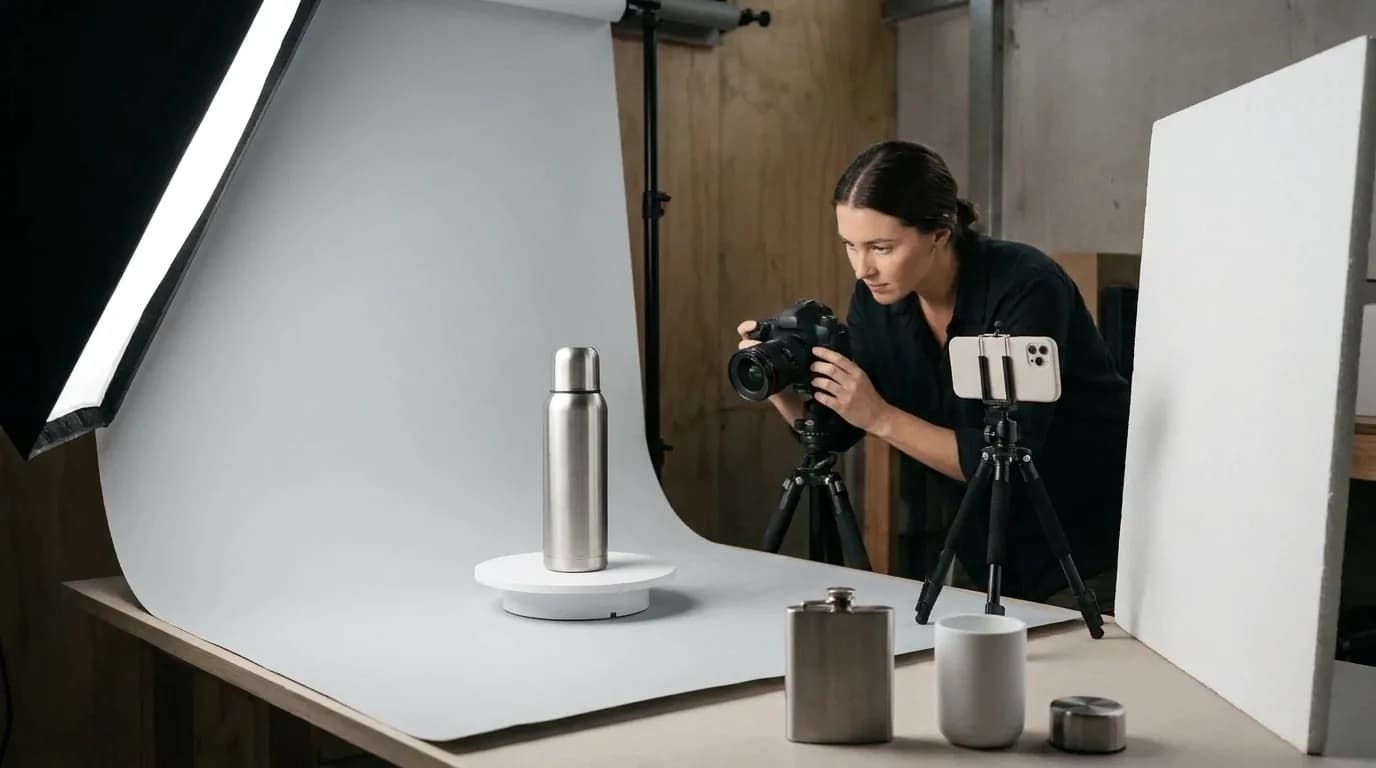
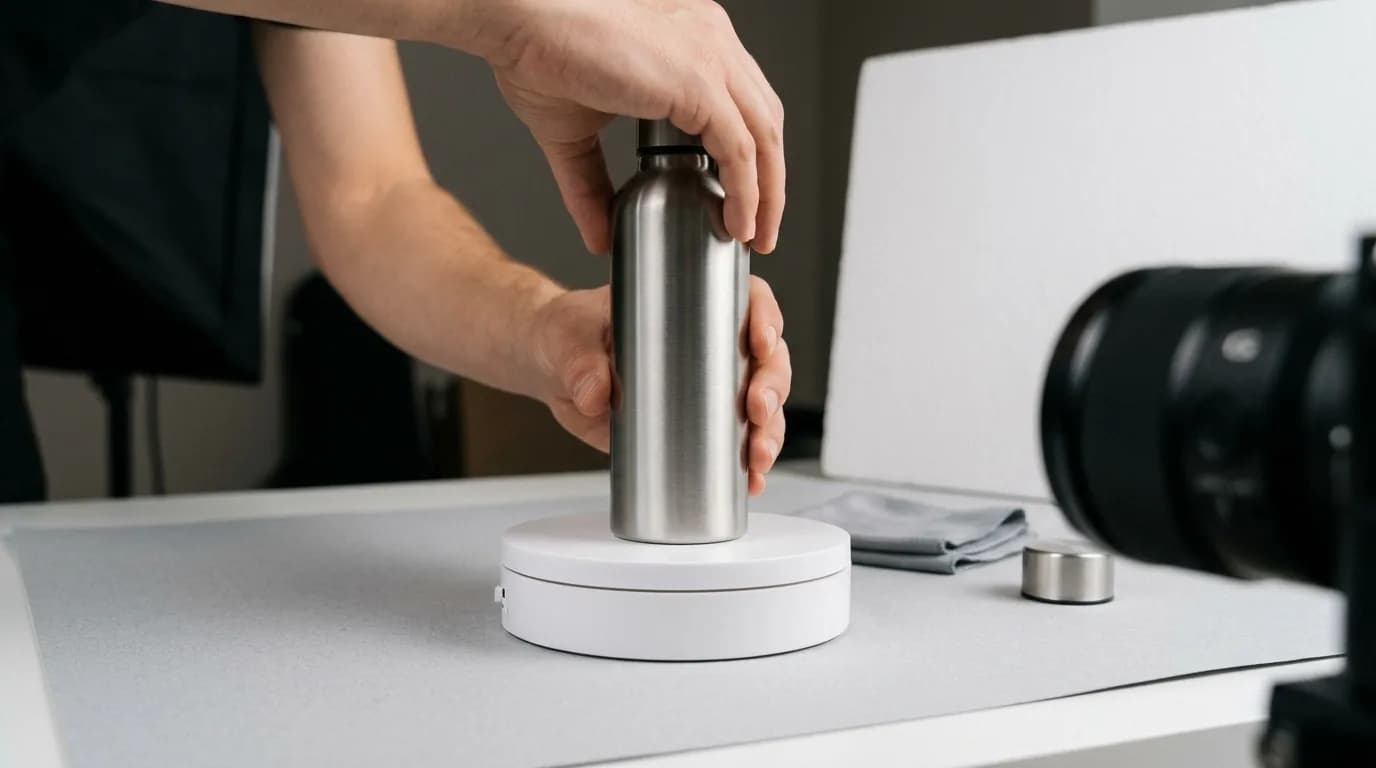
- The turntable or detail pass. One slow rotation, then close passes over the finish, the stitching, the ports, the clasp. It answers "what is it like up close?"
- The product in use. Hands, a person, a real surface. It answers "does it do the thing I need?"
- The scale or fit shot. In a hand, on a body, beside a cup or a doorway. It answers "how big is it, and will it fit?" In our experience it is the clip most ranges lack.
- The how-to. Set-up, assembly, cleaning, a refill. It answers "will I manage once it arrives?"
We attach no conversion figure to any of them. Measure on your own listings.
On your own product page
Search. Google reserves its video features for a watch page, a page whose main purpose is to show a single video, and names "a product page with a 360 video of a product" as a page that is not one (Google Search Central, Video SEO best practices). The clips on a product page are therefore there for the buyer. If one deserves to be found on its own, usually the how-to, also give it its own page, which Google allows, and describe it with VideoObject structured data: name, thumbnail URL and upload date are required; description, duration and the file's URL are recommended (Google Search Central, Video structured data). Google states that markup does not guarantee a video feature.
Speed. A video should cost the page nothing until someone presses play.
- A poster image. A still in the video's proportions, compressed like any product image. The poster's load can be what Largest Contentful Paint measures (web.dev, Largest Contentful Paint).
- No preloading. For a video that waits for a click, web.dev sets the preload attribute to none, so the browser fetches no video data before play (web.dev, Lazy loading video).
- No autoplay with sound. Chrome always allows muted autoplay and allows sound only in limited cases, such as after the visitor has interacted with the site (Chrome for Developers, Autoplay policy). A muted loop that loads when scrolled into view is fine; anything with a voice waits for a tap.
- The player stays in the HTML. Google asks sites not to rely on a click or a swipe to load the video. Keep the video element in the page and defer only the file.
- Captions. Captions for prerecorded video with sound are a Level A requirement of the Web Content Accessibility Guidelines (W3C, Understanding Success Criterion 1.2.2).
Amazon.ae
An Amazon news post of 9 June 2023, shown on the Amazon.ae seller forum as on the US one, says a seller with three months of selling history can add video to product pages, brand-registered or not (Amazon.ae Seller Forums). Amazon's guide for its US store adds a Professional selling account and live listings, and puts the upload in Seller Central under Catalog, then Upload and Manage Videos (Amazon, product video guide). Neither was written specifically for Amazon.ae, so the upload screen in your own Seller Central account has the last word. The US guide lists:
- Files in .mov or .mp4, up to 1080p, no larger than 5 GB, between 1 and 12 minutes long.
- More than one video per ASIN, each tagged with a type such as product overview, unboxing or how-to.
- A video shows in the main media block only when the product has fewer than six images.
- Every video is reviewed; approved ones typically appear within three days, and review can take seven business days in holiday seasons.
Yet the same guide advises that most successful videos run 30 to 90 seconds, so test your shortest cut first. The image rules for the same listing are in our piece on product photography for Amazon.ae and noon.
noon
noon documents video in its Seller Help Center, with a caveat: as of November 2026, upload is enabled for a limited group of sellers and is being rolled out in phases. A seller without the Add video button sends the file through a Seller Support ticket; noon's catalogue team uploads it, typically one to two business days after it passes quality control (noon Seller Help Center, video guidelines). The requirements:
- MP4, MOV or WEBM, with MP4 recommended. 1080p or better is recommended; 480p is the minimum.
- At most 2.5 minutes and 5 GB. noon calls 30 seconds and 10 MB optimal.
- English or Arabic only, clear audio, and only royalty-free or licensed music.
- No prices or discounts, shipping promises, customer reviews, guarantees, web addresses, QR codes or contact details, and one brand logo at most.
So the marketplace cut is clean: no offer text, no end card with a website.
Google Merchant Center
Google announced an optional video link attribute for the product feed on 14 April 2026, with videos eligible to be shown from 30 June 2026 (Google Merchant Center Help, 2026 specification update). It takes up to ten videos per product, each 6 to 240 seconds long, no larger than 500 MB, at 9:16, 16:9 or 1:1 and at least 720p. The link is a YouTube URL or points straight at the raw video file, which Googlebot must be able to fetch, and the merchant must own the licensing rights to the content (Google Merchant Center Help, Video link). Google says linked videos appear in free listings and can be used in Google Ads campaigns, and that the attribute does not affect a product's approval. Neither page names the UAE or any other country, so check in your own account that your videos are being processed.
Instagram Reels and TikTok
Instagram accepts a reel at any aspect ratio between 1.91:1 and 9:16, at a minimum of 30 frames per second and 720 pixels (Instagram Help Centre, Reel size and aspect ratios). A reel can run to 20 minutes, but reels over three minutes are not recommended to new audiences (Instagram Help Centre, Record a reel). The TikTok figures are for adverts, not ordinary posts: for a non-Spark in-feed ad, one uploaded as a file, TikTok recommends 9:16 at 540 by 960 pixels or more, also accepts 16:9 and 1:1, and allows up to 500 MB and ten minutes (TikTok Business Help Centre, Auction in-feed ads).
Those are limits, not targets. We deliver product clips for both at 9:16, 1080 by 1920 pixels, and well under a minute. How the opening seconds are built is covered in short-form video that survives the first three seconds.
One shoot, one set-up list
Five clips across a range are only affordable when planned as a single shoot.
- List set-ups, not shots. Every product goes through the turntable, then every product through the hands table, then the in-use scene. Moving lights costs more time than moving products.
- Lock the background and the light. Same sweep, same key light position, fixed white balance and exposure, and a reference frame kept for each set-up, so a product added next quarter matches.
- Frame for every crop. Shoot wide enough that 16:9, 1:1 and 9:16 all come from one take, or shoot the vertical separately.
- Plan for silence. Each clip has to make sense muted. Record clean voice where there is one, and deliver captions as files and burned in, in English and Arabic.
- License the music once, for everything. Meta's Music Guidelines prohibit music for commercial purposes without the appropriate licences (Meta, Music Guidelines), and videos using tracks from TikTok's Commercial Music Library may only be posted within TikTok (TikTok, Commercial Music Library User Terms). Treat a track from an app's library as cleared for that app at most. Buy one whose licence covers website, marketplaces, social and paid ads, and file the licence with the footage.
For each clip we hand over a 16:9 or 1:1 master for the product page and Amazon, a 9:16 version, a marketplace version with no prices, offers or links, a poster frame, caption files, and file names that carry the SKU.
Two UAE points to settle first
Filming outside a studio, in a mall or on a beach, may need a permit and the location's own permission; the detail is in photography and filming permits in Dubai. Who owns the footage, and where it may run, is a matter for the contract, as we set out in usage rights for commercial photography in the UAE. Both are a studio's summary, not legal advice.
We film product ranges this way in Dubai, usually in the same session as the stills, and deliver each clip in the shapes above.
Sources
- Google Search Central, Video SEO best practices: watch pages, product pages, and not relying on user actions to load a video.
- Google Search Central, Video structured data: required and recommended VideoObject properties.
- web.dev, Lazy loading video: the poster image, preload set to none, video as a Largest Contentful Paint candidate.
- web.dev, Largest Contentful Paint: for a video, the metric uses the poster image's load time or the first frame, whichever is earlier.
- Chrome for Developers, Autoplay policy in Chrome: muted autoplay and autoplay with sound, a policy in place since 2018.
- W3C, Understanding Success Criterion 1.2.2: Captions, Prerecorded: captions as a Level A requirement.
- Amazon.ae Seller Forums, "Add videos to your listings to help improve sales" (9 June 2023): who may add video; Amazon shows the same post on its US seller forum.
- Amazon, "When customers can't touch, let Amazon product videos convince them": Amazon's guide for the US store, dated 12 May 2025, covering eligibility, the upload path, file specifications and length, video types, display and review times.
- noon Seller Help Center, Video guidelines and rejection reasons for seller SKUs: availability, upload route, technical limits and prohibited content.
- Google Merchant Center Help, Product data specification update 2026: the announcement and serving dates of the video link attribute.
- Google Merchant Center Help, Video link: the attribute's limits and requirements.
- Instagram Help Centre, Reel size and aspect ratios: aspect ratio, frame rate and resolution.
- Instagram Help Centre, Record a reel on Instagram: reel length and the three-minute recommendation limit.
- TikTok Business Help Centre, TikTok Auction In-Feed Ads: video specifications for non-Spark in-feed ads, last updated June 2026.
- Meta, Music Guidelines: music for commercial purposes needs a licence.
- TikTok, Commercial Music Library User Terms: Commercial Sounds limited to use within TikTok.
- The clip set, clip lengths, set-up list and delivery formats are our own studio practice.
- product video
- e-commerce
- Amazon.ae
- noon
- video SEO
- Reels


